HOW SCHOOLS ACTUALLY USE IT
Your week, in one app
Five situations every school owner recognises — and what each one looks like when the tournament, the belt test, the payments and the roster all live in the same place.
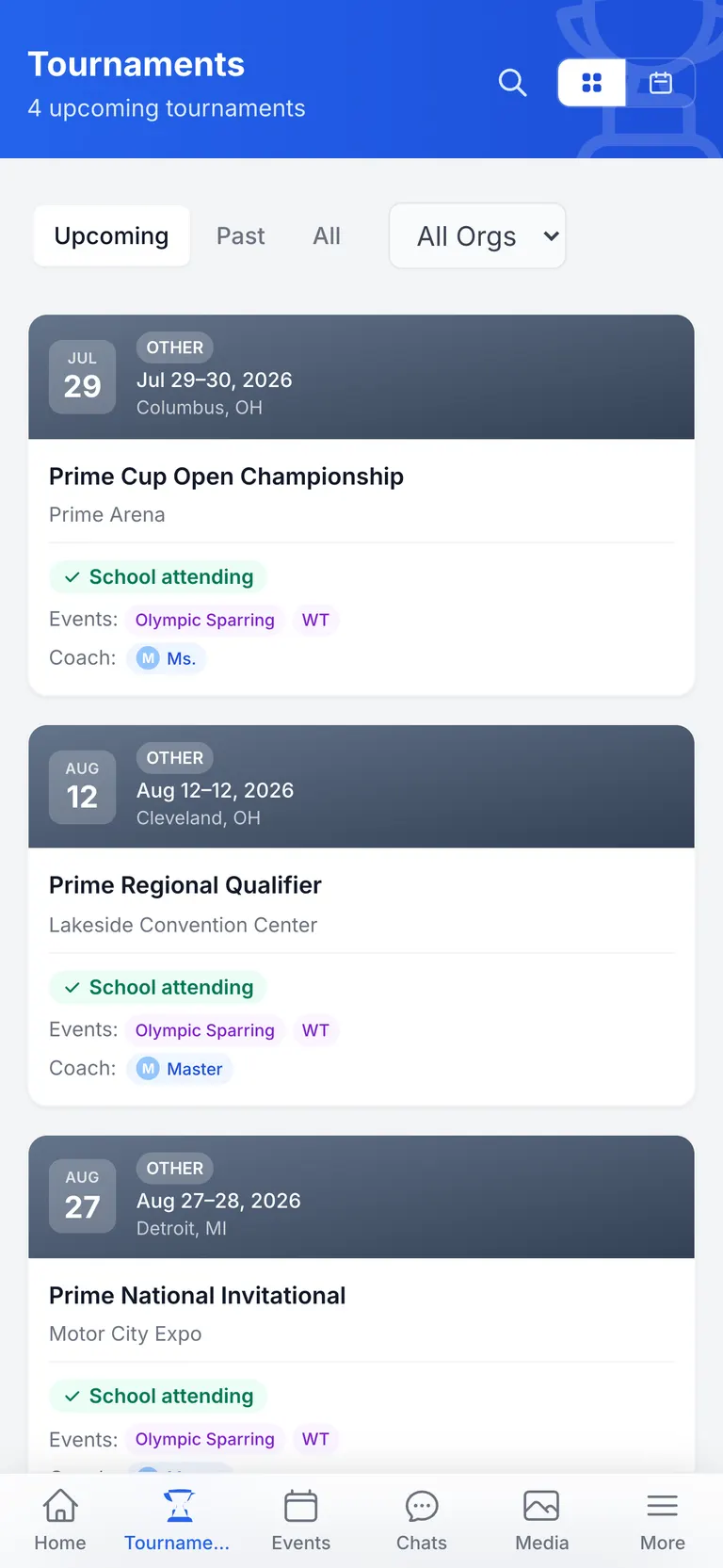
Tournament weekend
Thirty competitors, four rings, one Saturday
The way it usually goes
You post the tournament to the Facebook group and hope parents see it. RSVPs come back as texts, comments and one voicemail. You chase coaching fees over Venmo for two weeks. On the morning itself you're the switchboard — ring changes, warm-up times, “which division is she in again?” — while trying to coach.
The way it goes here
- Post the tournament once. Families RSVP in a tap and register each competitor by division, weight class and event.
- Coaching fees are collected at RSVP through Stripe, into your school's account — your name on the parents' statements, not ours.
- A late-registration surcharge applies itself after your deadline, as its own line item.
- The tournament gets its own chat room. Ring assignments and warm-up times go out once, to everyone attending.
- Parents see drive times to every venue — and on Pro, live flight and hotel pricing for away trips.
- Photos from the day land in a shared album instead of six separate camera rolls.
Testing cycle
Pro+The test is Saturday. The spreadsheet is not going to make it.
The way it usually goes
You comb attendance to work out who's eligible, then keep the list in a spreadsheet. Fees come in envelopes. You print scoresheets the night before, results go home on paper, and two weeks later a parent asks what rank their child actually earned.
The way it goes here
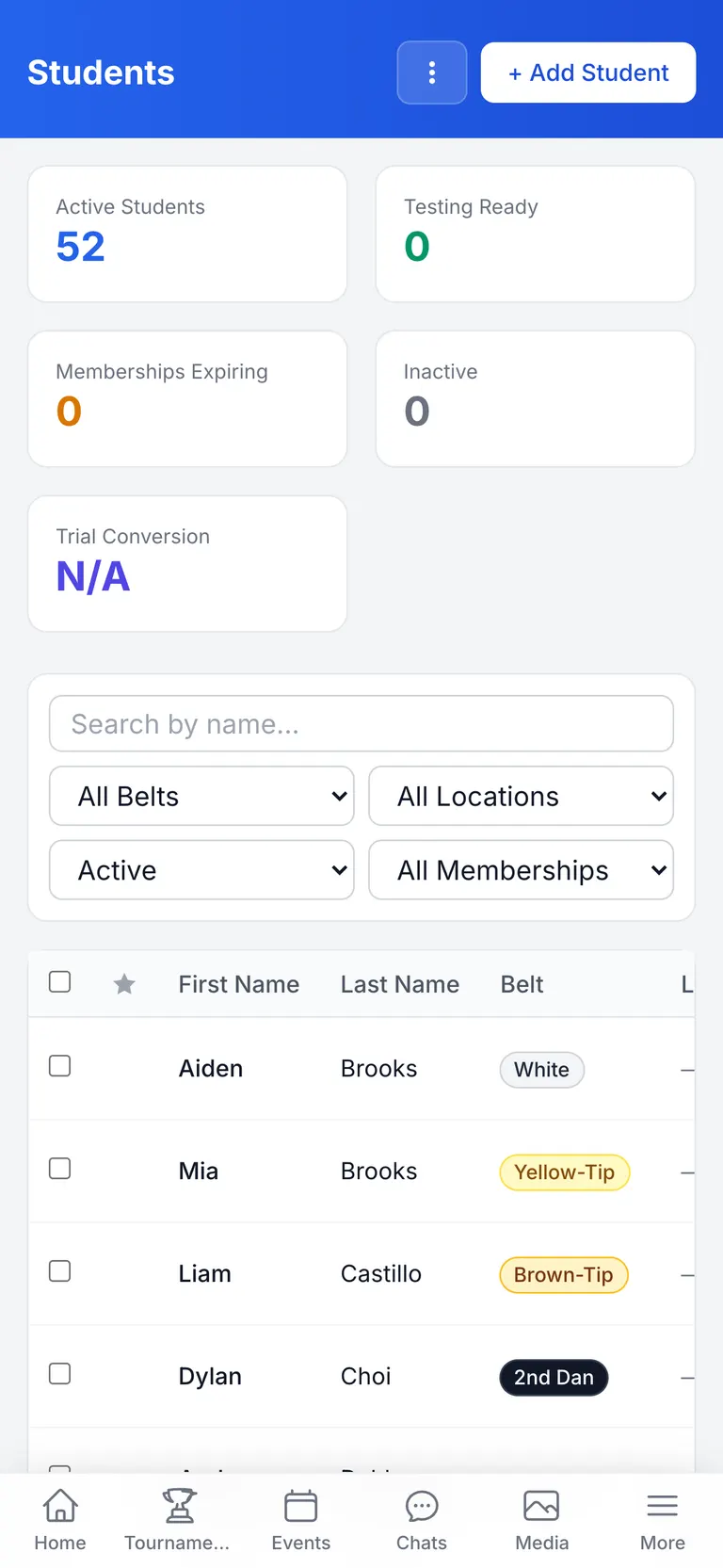
- Students who've met their cycle's requirements surface on their own — register the ready ones onto the test together.
- Parents register and pay the right tier from their phone, whether that’s regular or Tiger Tots pricing.
- Lock registration when you’re done and print scoresheets from the same screen.
- Score from a tablet on the day. Each student saves as you go, so a dropped connection doesn’t cost you the morning.
- Finish, and promotions apply themselves, parents are notified, and make-up tests are created on the spot.
Monday, 9:15 AM
Who actually paid for the seminar?
The way it usually goes
Card payments sit in one place, cash in a drawer, a couple of transfers on your phone, and a note about the family who said they'd settle up on Friday. Reconciling it means three tabs and a good memory.
The way it goes here
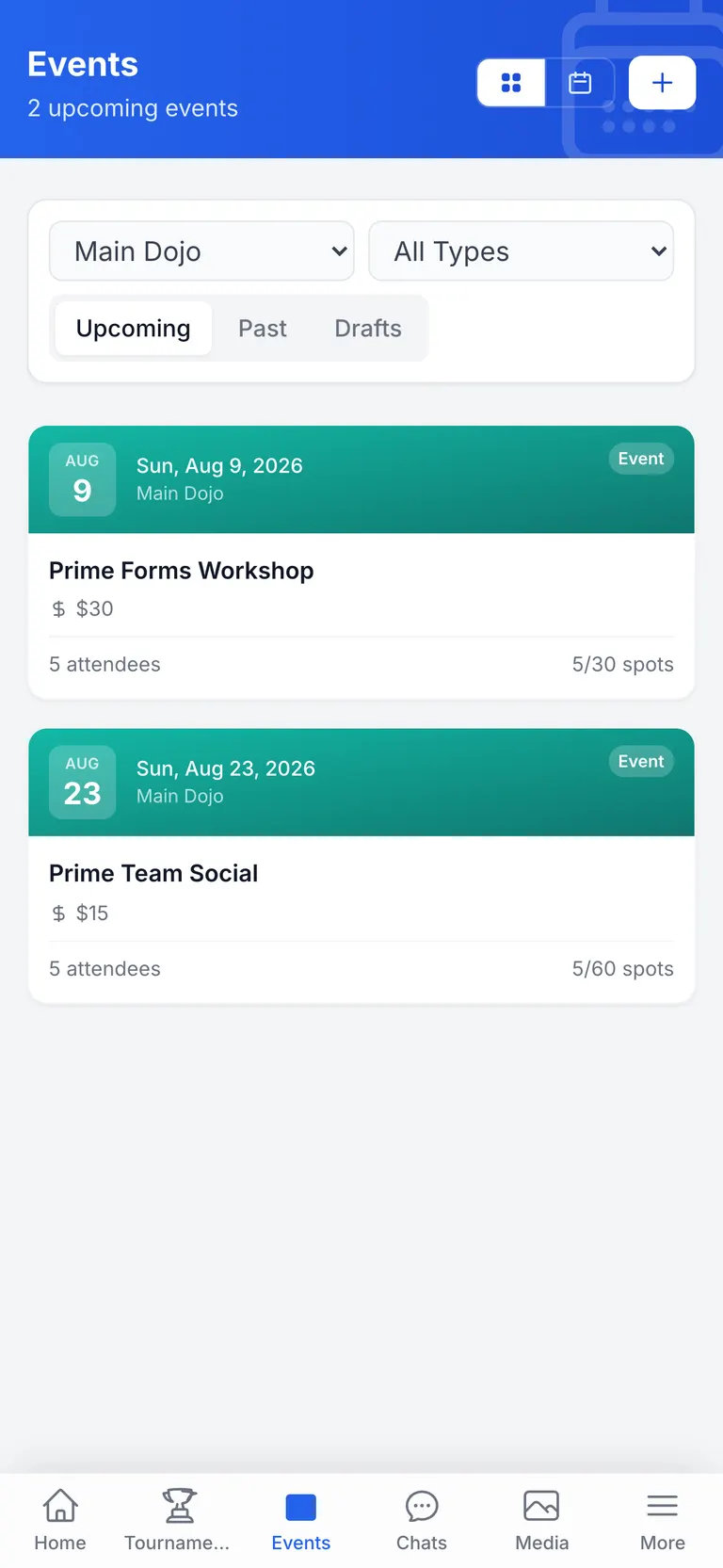
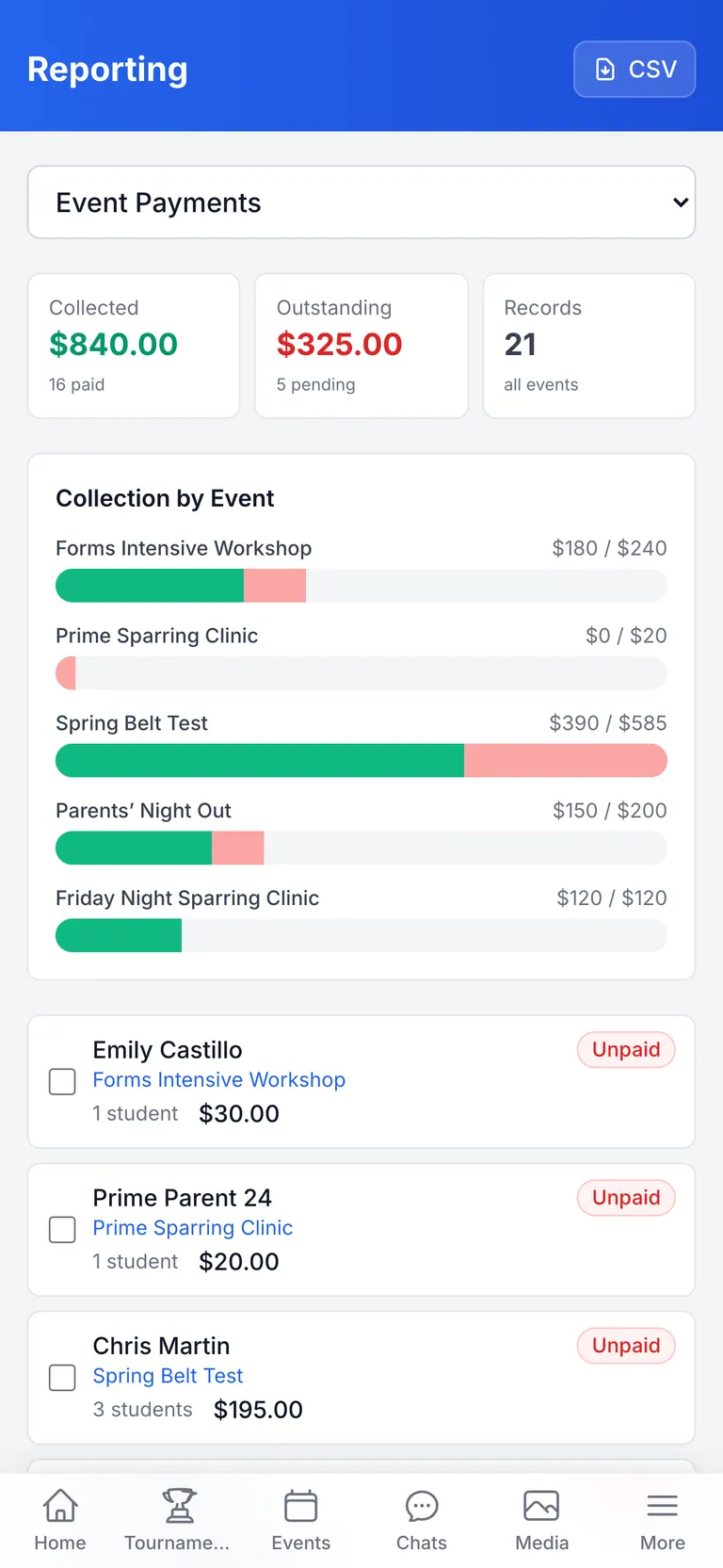
- One list per event and per tournament: who registered, who paid, who still owes.
- Card payments run through Stripe into your own account. Your school is the merchant of record, so your name is on the parents' statement.
- Log cash at the front desk against the same registration, so the roster stays the single source of truth.
- Every card payment keeps its receipt, so parents can pull up their own without emailing you.
- On Pro, send a reminder to just the families who still owe.
A walk-in on Tuesday
Pro+From “just looking” to enrolled, without a clipboard
The way it usually goes
A parent watches the end of a class, takes a flyer and gives you a phone number on a sticky note. If you remember to call on Thursday, they might book a trial. If it was a busy week, they don't hear from you again.
The way it goes here
- A QR code at the front desk — or a form on your site — drops the enquiry straight into your pipeline.
- On Elite, follow-up emails go out on the schedule you set, so nobody is lost to a busy week.
- Move them from enquiry to trial booked to enrolled, and see where everyone stands at a glance.
- Converting a lead creates the family, their students and their membership in one step.
- They scan your school’s join code and set their own password — you type nothing.
More than one location
Pro+Your second location shouldn't mean a second spreadsheet
The way it usually goes
Each location keeps its own spreadsheet, or everyone shares one file and sees everything. Schedules live in separate PDFs, testing cycles drift apart, and the only person with the whole picture is you.
The way it goes here
- Staff accounts are scoped to their own locations — they manage their families, students and events, and nothing else.
- Each location keeps its own weekly schedule, with its own programs and age groups.
- Testing cadence can differ per location, because in practice it does.
- Students belong to a home location but stay part of one roster you can see across the whole school.
- Announcements go to the whole school, or to the families at a single event.